
Following the recent announcement by the Ministry of Health on new requirements for Integrated Shield Plan (IP) riders, click here for information on what this means for Great Eastern's medical plans.
Follow our guide to set your payment frequency to be yearly, half yearly, quarterly, or monthly.
Great Eastern App
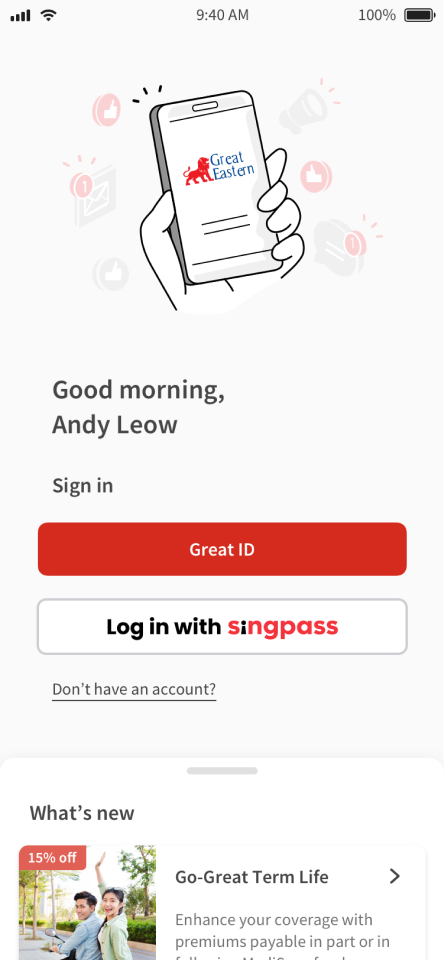
1
Sign in to the Great Eastern App using your Singpass or Great ID.
2
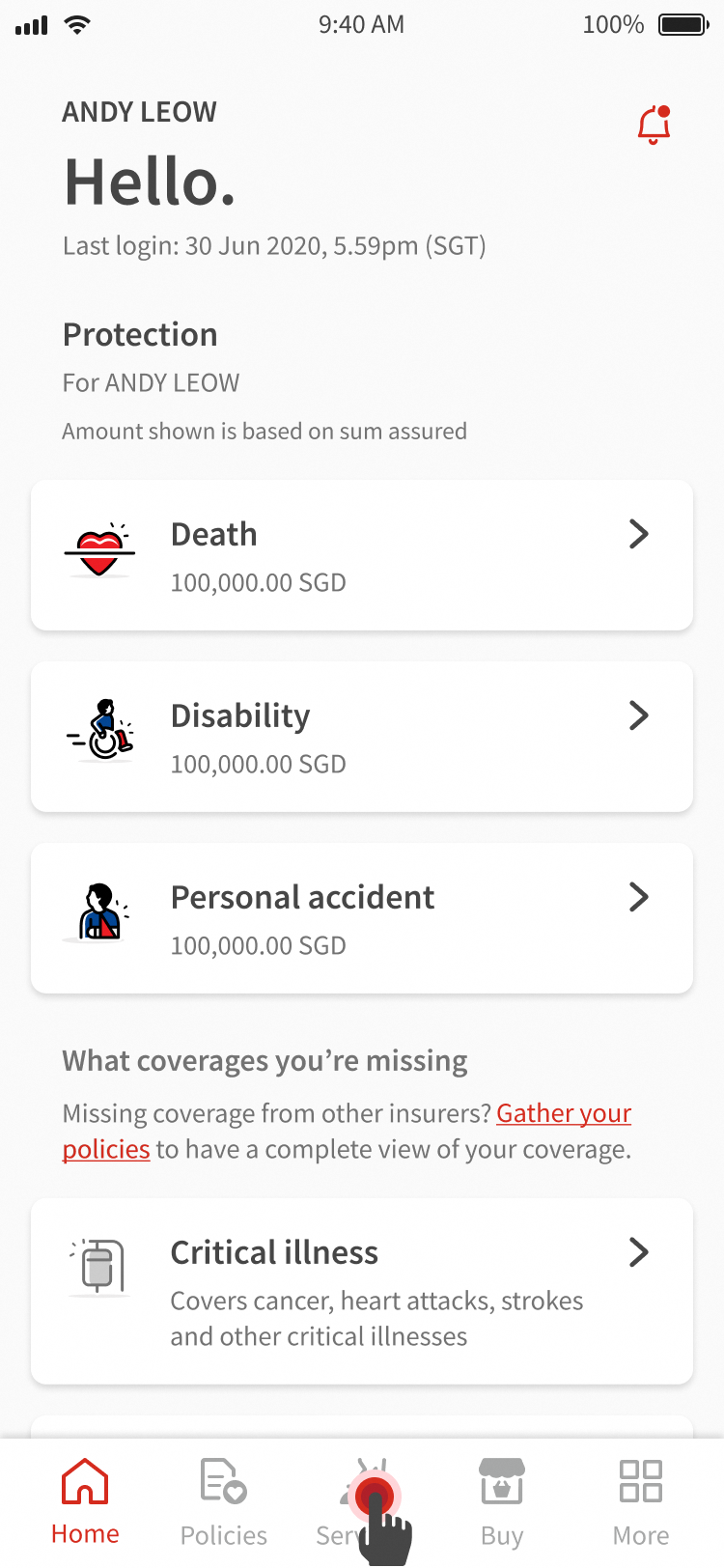
Tap Services from the bottom menu.
3
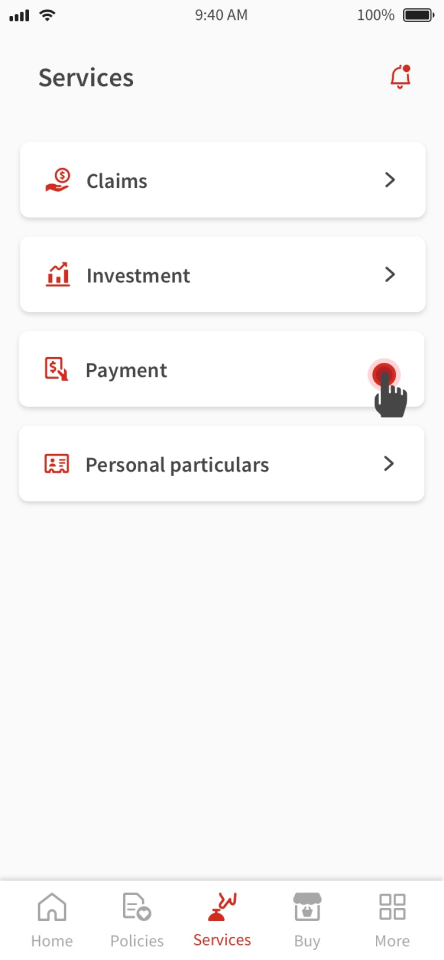
Tap Payment.
4
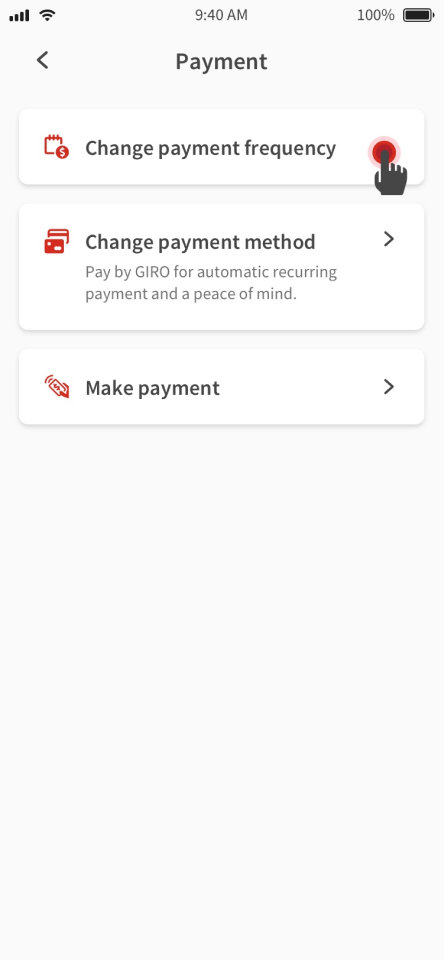
Tap Change payment frequency.
5
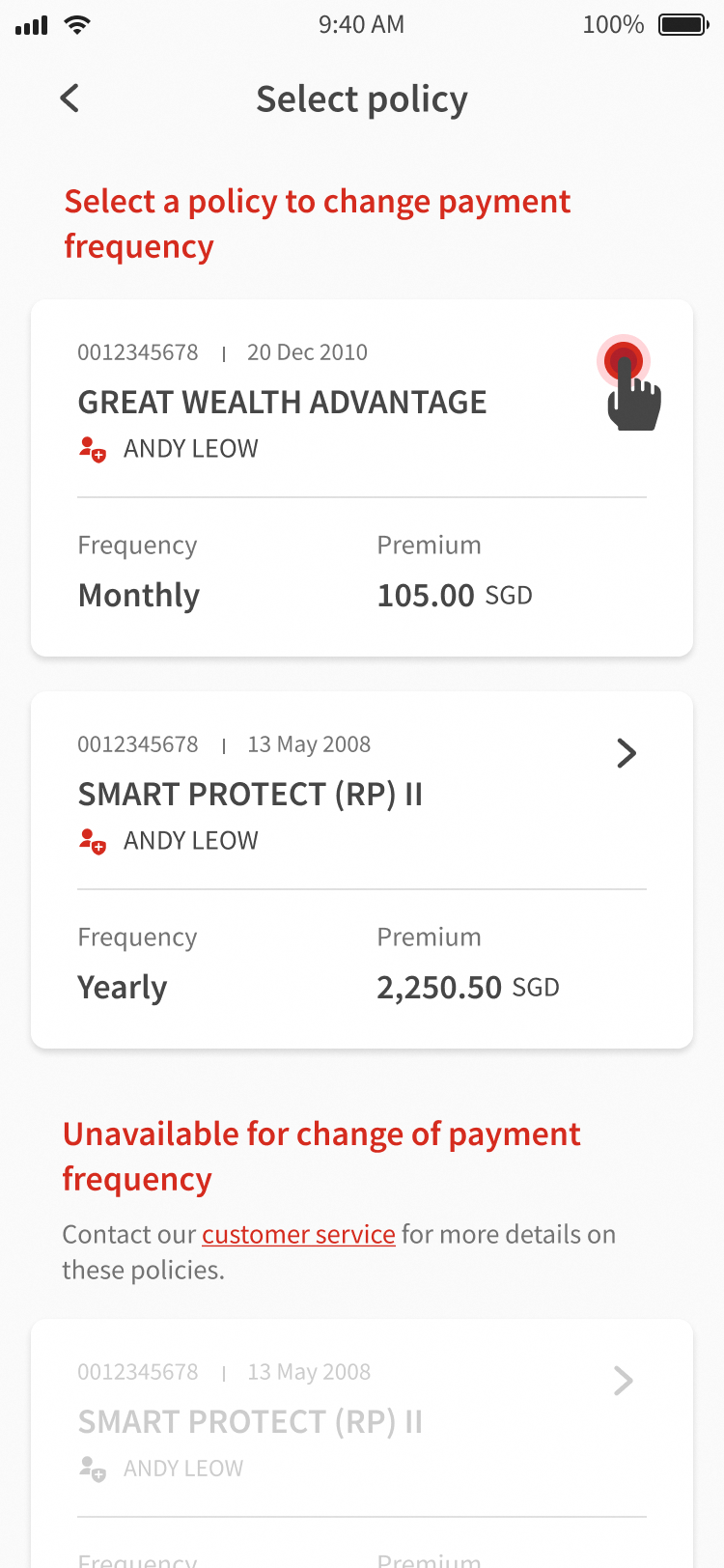
Select a policy to change its payment frequency.
6
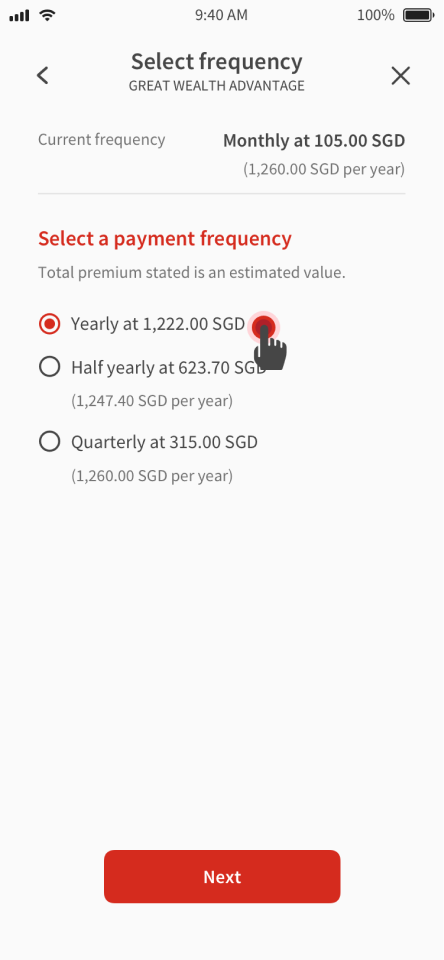
Select a new payment frequency, then tap Next.
7
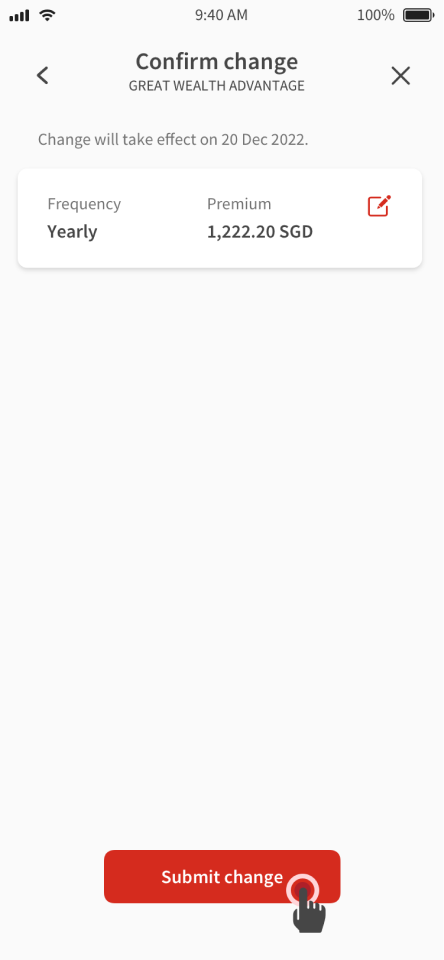
Confirm your change, then tap Submit change to complete your change in payment frequency.
8
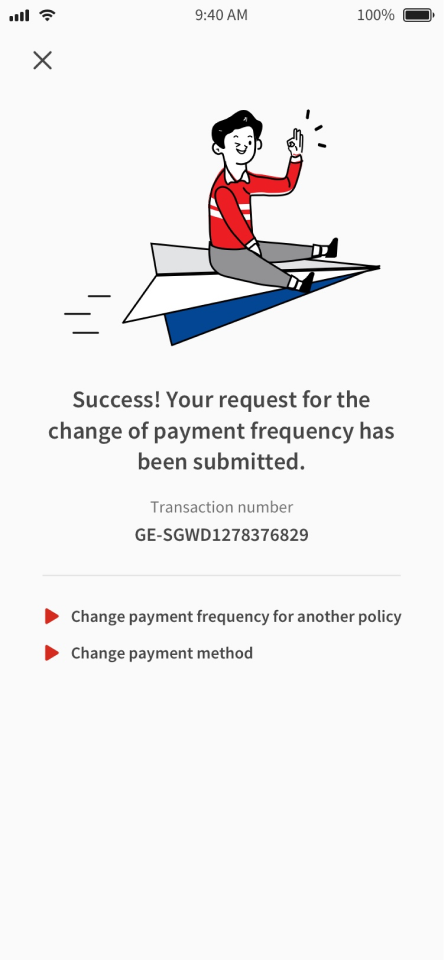
View your request status.
Download the Great Eastern App today!

Questions and Answers
This may be due to one of the following reasons:
Your policy has no more future premiums expected.
Your policy is under trust.
Your policy has GIRO or credit card deductions in progress.
There are payment arrears in your ILP policy.
New premium amount may be slightly different due to rounding or premium estimation is based on previous year premium amount.
Your policy might not support all payment frequencies. Refer to your policy illustration document for more details.
The effective date for your change may not be immediate. You can refer to the effective date in the request notification in the Great Eastern App. In the meantime, please continue to pay your premium on the stated due date.
External Link Popup
External Link Notification
This link will bring you to a third-party website which Great Eastern has no control ("3rd Party Website"). Any use of the 3rd Party Website will be subject to and any information you provide will be governed by the terms of the 3rd Party Website, including those relating to confidentiality, data privacy and security.