








Change policy payout method
Did you know?
Use PayNow to receive your payout quickly and easily. If you don’t have PayNow, sign up at a participating bank or credit your payout to an OCBC Bank account for faster payout.
When your policy matures, you will receive your funds through PayNow, direct crediting, or cheque, depending on the method you previously opted for.
If you want to change the way you receive your policy payout, use the Great Eastern App or submit a form to us through email or post. We encourage you to use PayNow to get your payout credited quickly.
What’s required
Before you begin, ensure that your PayNow is linked to your NRIC and not your mobile number. You can do so by logging on to the banking app belonging to the bank account you want to use to receive your funds.
For customers who do not have a NRIC-linked PayNow or have policies in other currencies, you’ll need to prepare your bank statement or copy of the bank book. Ensure that the following details are clearly visible:
- logo of the bank
- bank account number
- name of bank account holder
- NRIC, FIN, or passport number
- mailing address
How to change policy payout method
- Great Eastern App
- Email and post
How to change policy payout method
Step-by-step guide
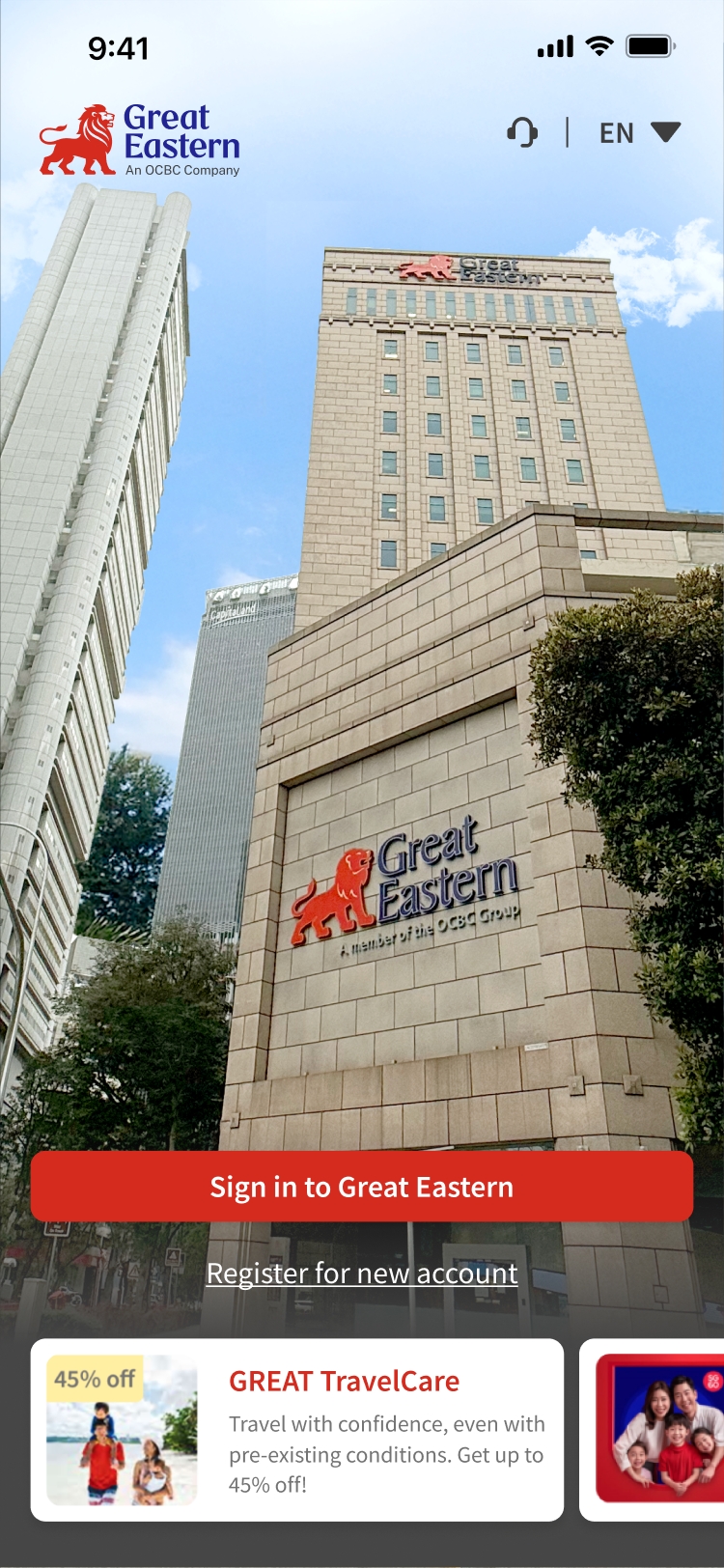
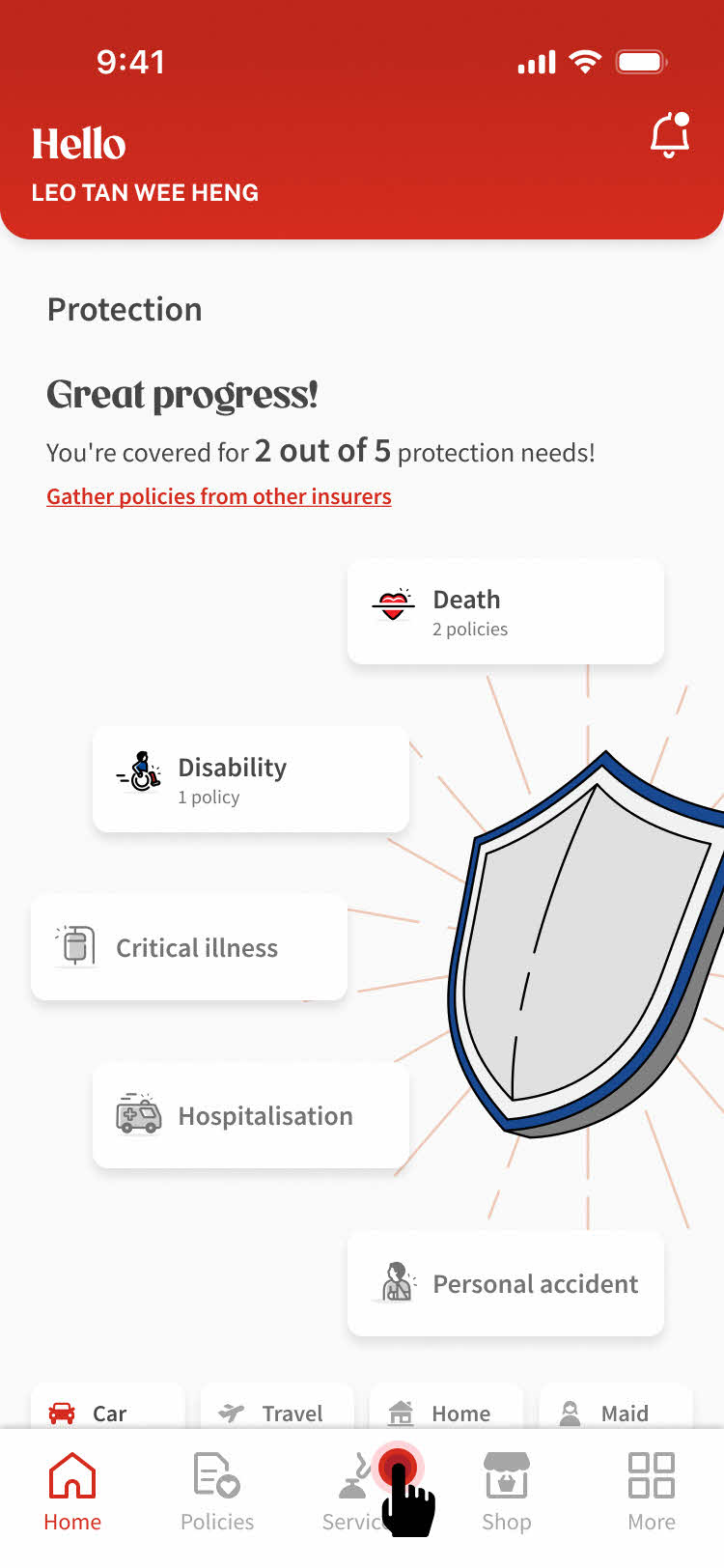
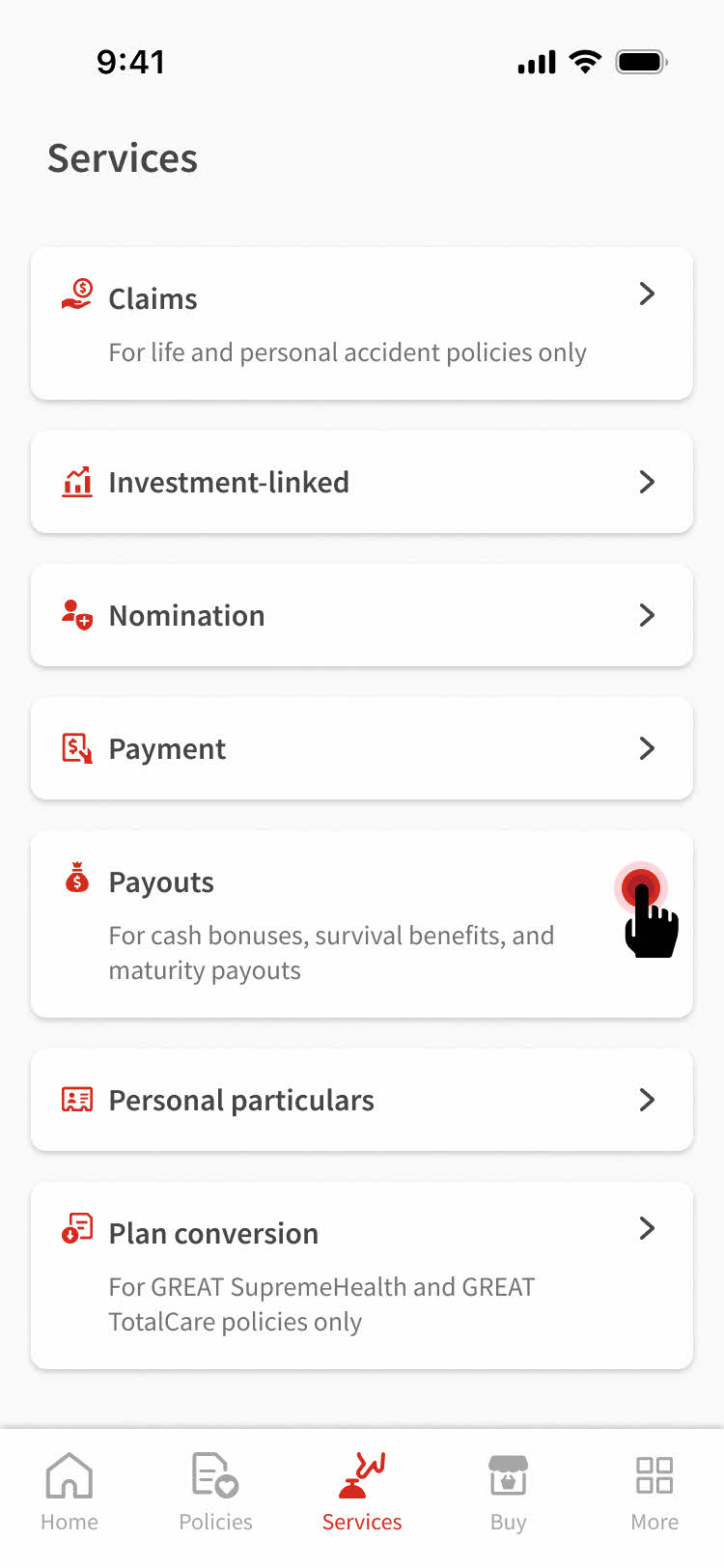
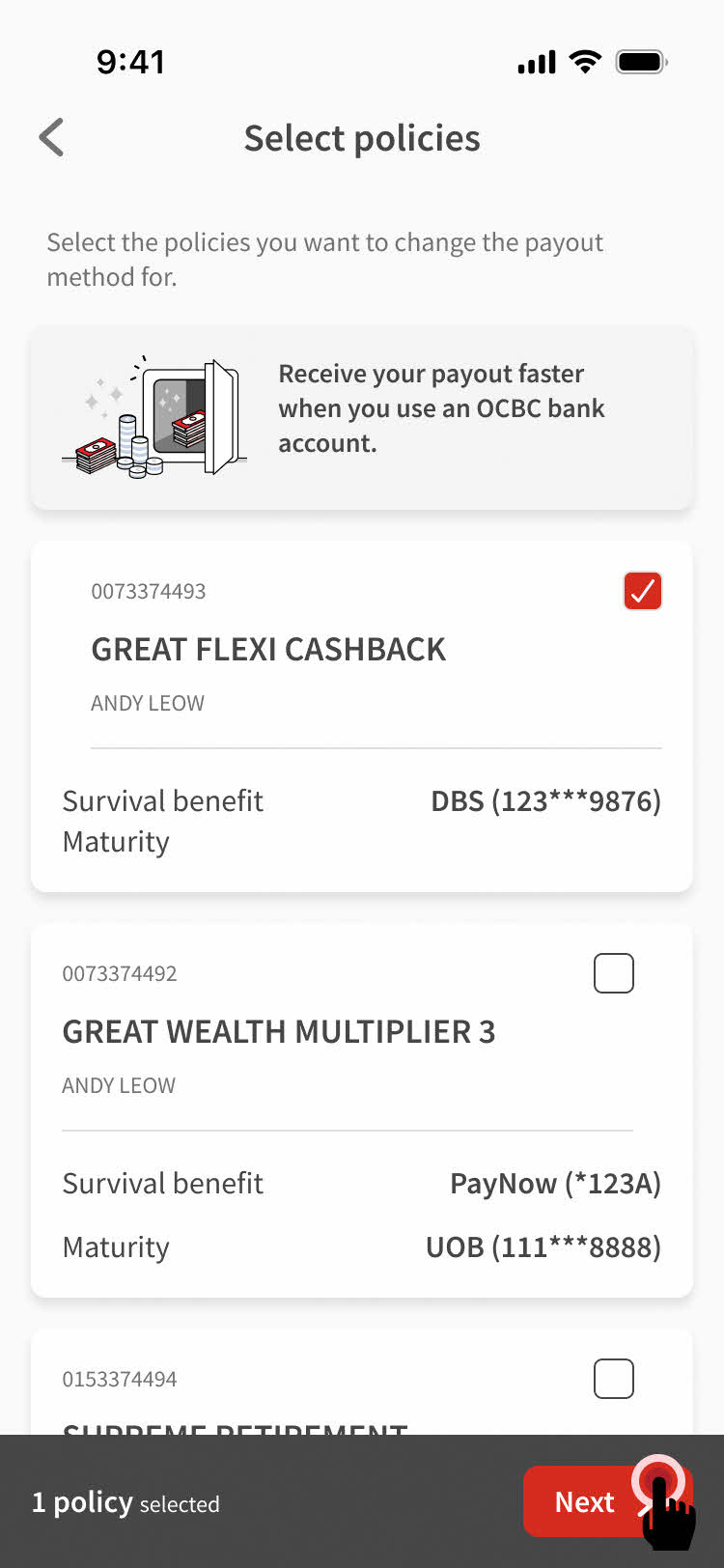
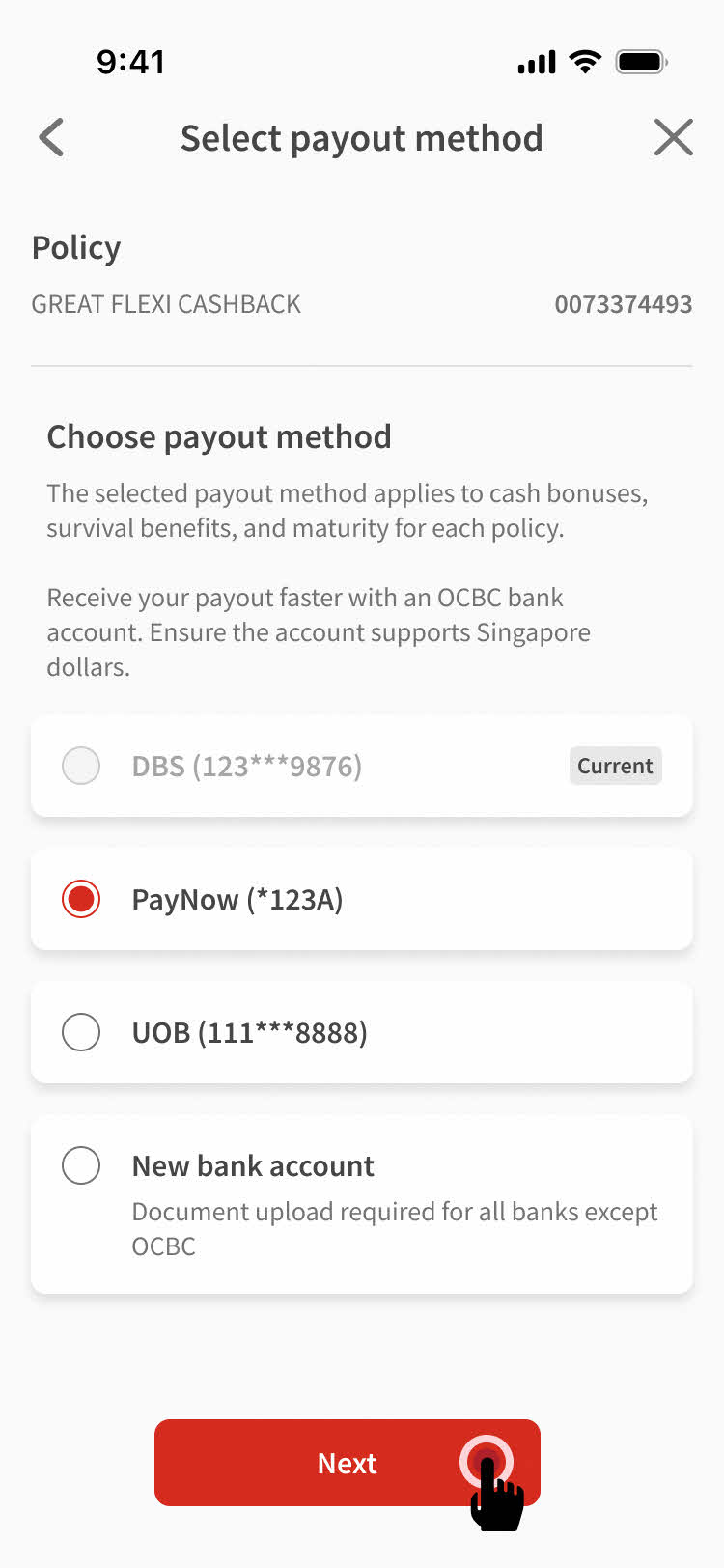
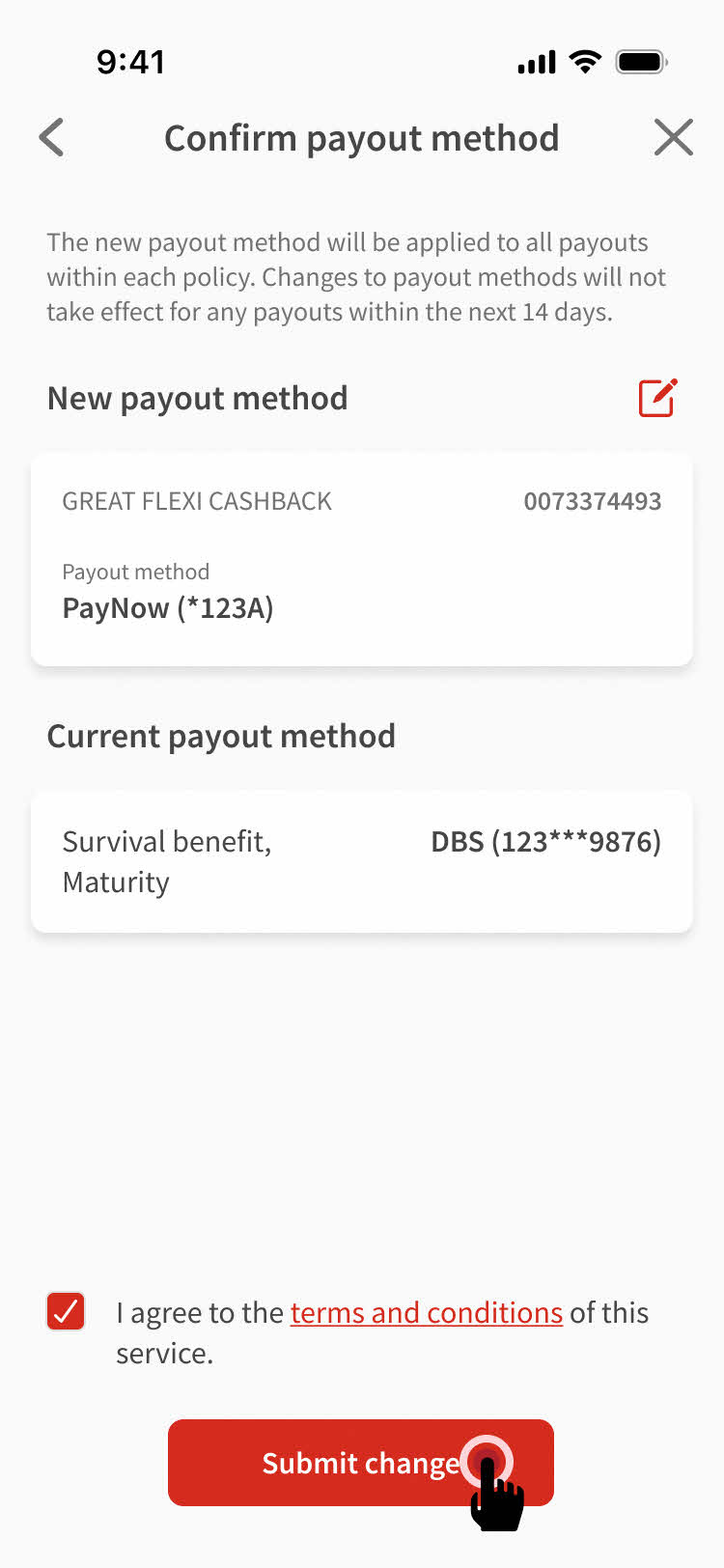
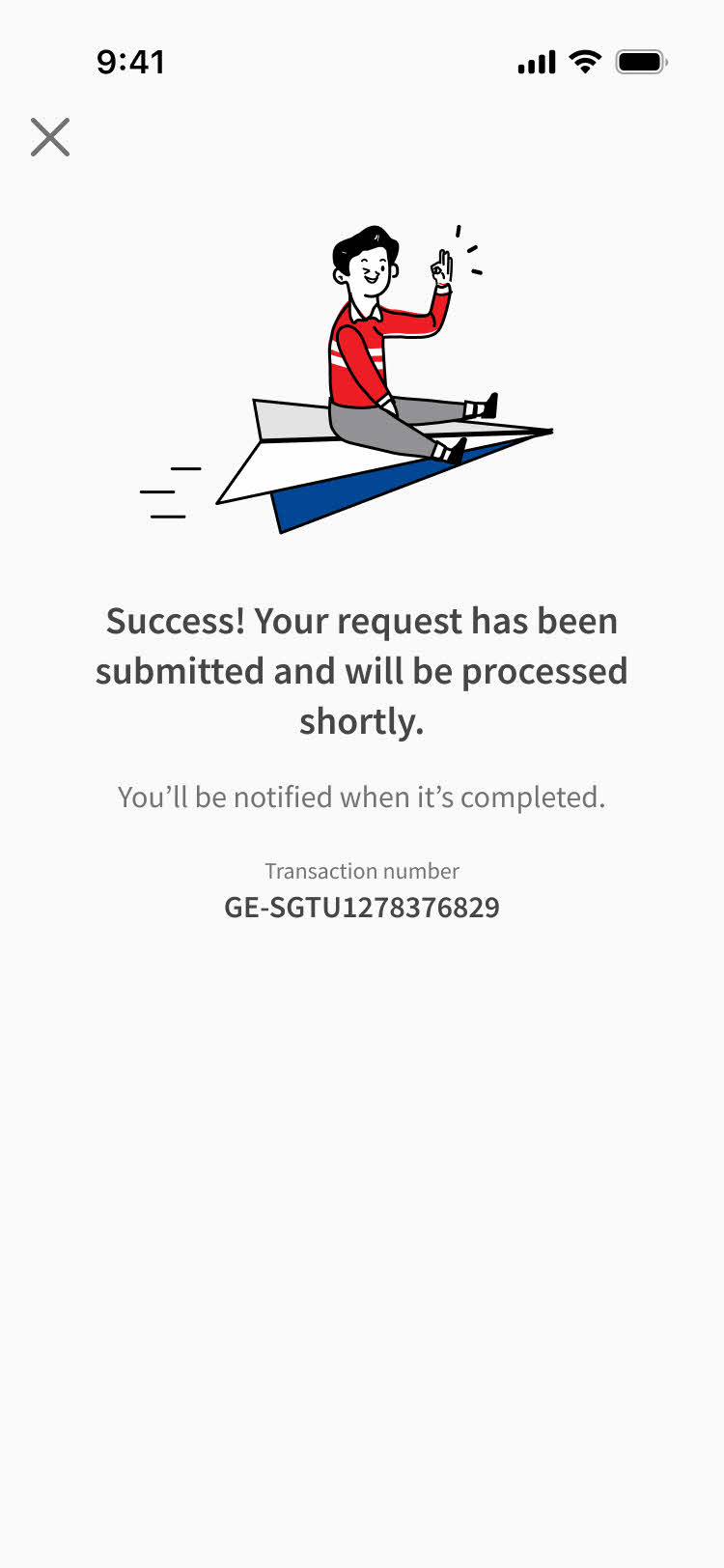
Step 4: Select the policy you want to change payout method for, then tap Next.
Note: If multiple policies are selected, they will share the same payout method.


1. Download form
You’ll need to download and complete the Authorisation for PayNow / Direct Credit form.
2. Submission
Submit the form and provide the required document.
By online
Make an online submission with your completed form and supporting documents.
By walk-in or post
Submit the completed form with the required document to us at our Customer Service Centres or send them to us by post.
Attention to: Customer Service Department
The Great Eastern Life Assurance Company Limited
1 Pickering Street
Great Eastern Centre #01-01
Singapore 048659
Frequently asked questions
The policies that are eligible for payout method change will be shown on your Great Eastern App.
You will not be able to change the payout method for policies with payouts that are due within the next 14 days.
Currently, the below payout are available on Great Eastern App:
Policies denominated in Singapore Dollar (“SGD”) for
- Cash bonus
- Survival benefits
- Maturity proceeds
The following payout will be progressively available in the future via Great Eastern App:
- Policies denominated in foreign currencies
- Annuity
- Dividend
- Claims
- Trust policies
- Payouts to joint bank account
- Collaterally assigned policies
If you have USD denominated policies or policies that are not shown on the Great Eastern App, you’ll need to fill in and submit the Authorisation for PayNow / Direct Credit form to us via email or post.
For assistance, contact our customer service.
Once your request is accepted, the updated payout method will be reflected in the policy profile within 3 working days.
You’ll also receive an eDocument found in your Great Eastern app or a hardcopy letter mailed to you, depending on the communication preference you previously indicated.