


1. If you are affected by flood and hold an eligible policy with us, please click here to submit your claim.


2. SCAM ALERT! Be cautious of scammers who are pretending to offer personal bank loan with insurance coverage protection with condition of premium payments to be paid prior to releasing the approved loan amount. Do not fall victim to the scam!


3. We encourage you to take precautions when giving out any confidential information over the Internet. You will not be asked to provide personal details online to access our product information.


4. We have updated our Customers’ Personal Data Protection Notice to ensure greater transparency and control over your personal data. We remain committed to protecting your privacy and ensuring your personal data is managed responsibly and securely. You can view the full updated notice here.

Great Eastern Corporate

Your health, simplified

gec

Welcome to the Great Eastern Corporate app, your comprehensive solution for managing insurance claims and accessing healthcare services with ease. Designed exclusively for Great Eastern Corporate
clients, this app brings together all the essential features you need to take control of your health and benefits, right at your fingertips.  

With this app, you'll have complete access to the latest details on your Great Eastern corporate policies anytime, anywhere. 
GELM

Access these features on the go
1

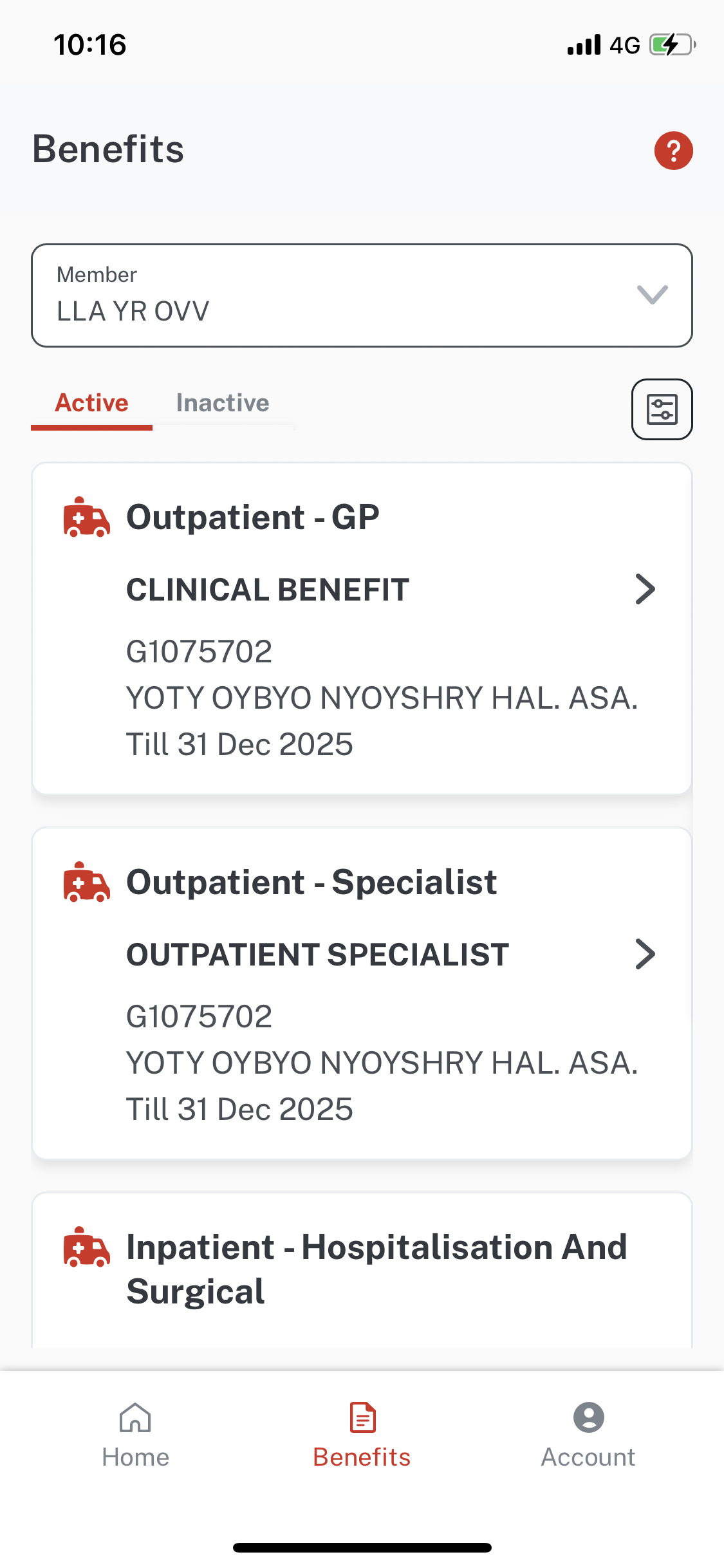
Benefits

View policy details: Conveniently browse policy summaries to get up-to-date information on your coverage, and more. 

Consolidate your insurance policies: Have a full view of the aggregated benefits and policies you own all in one place. 

2

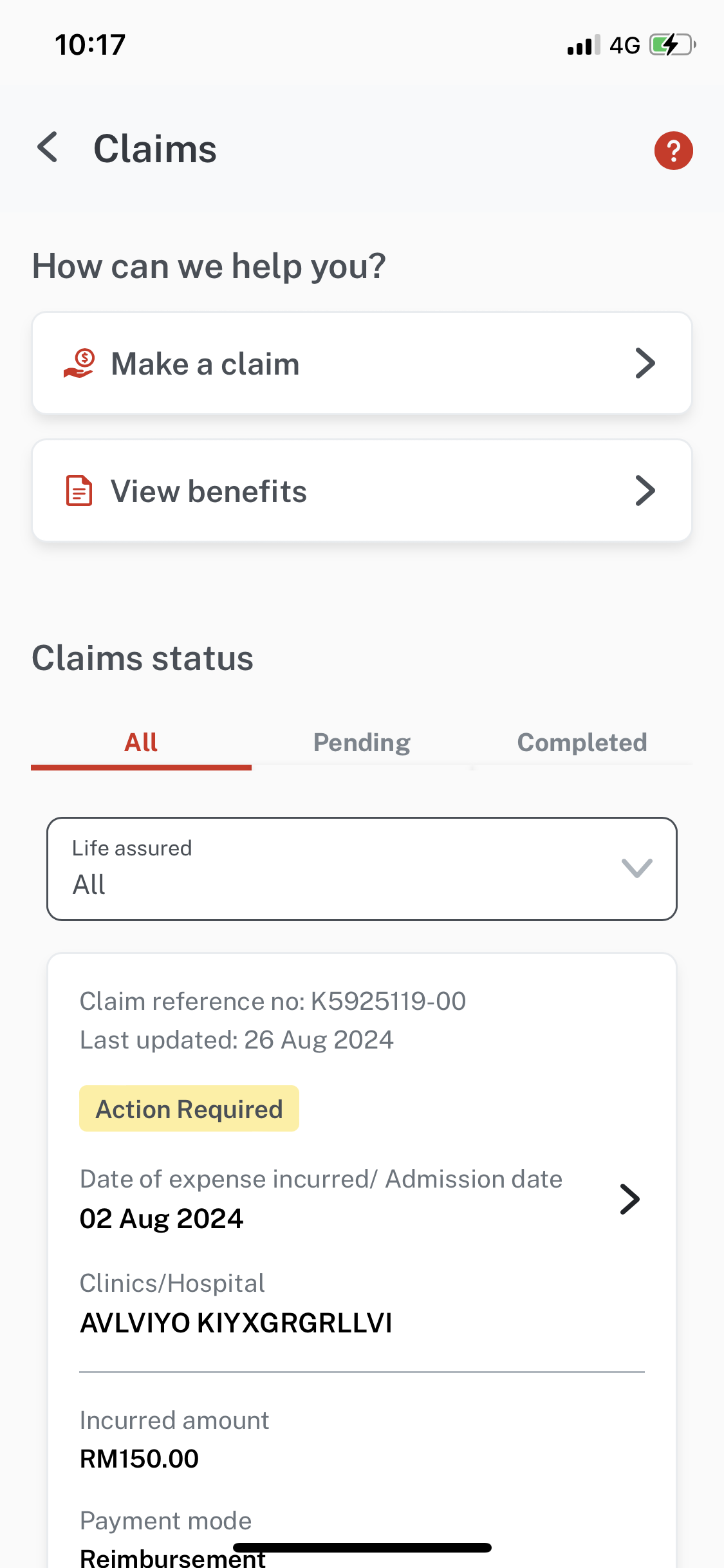
Claims

Submit and track your claims digitally: Make claims and stay informed about the status of your claims.​

Track Your your claims: Stay informed about the status of your claims. 

3

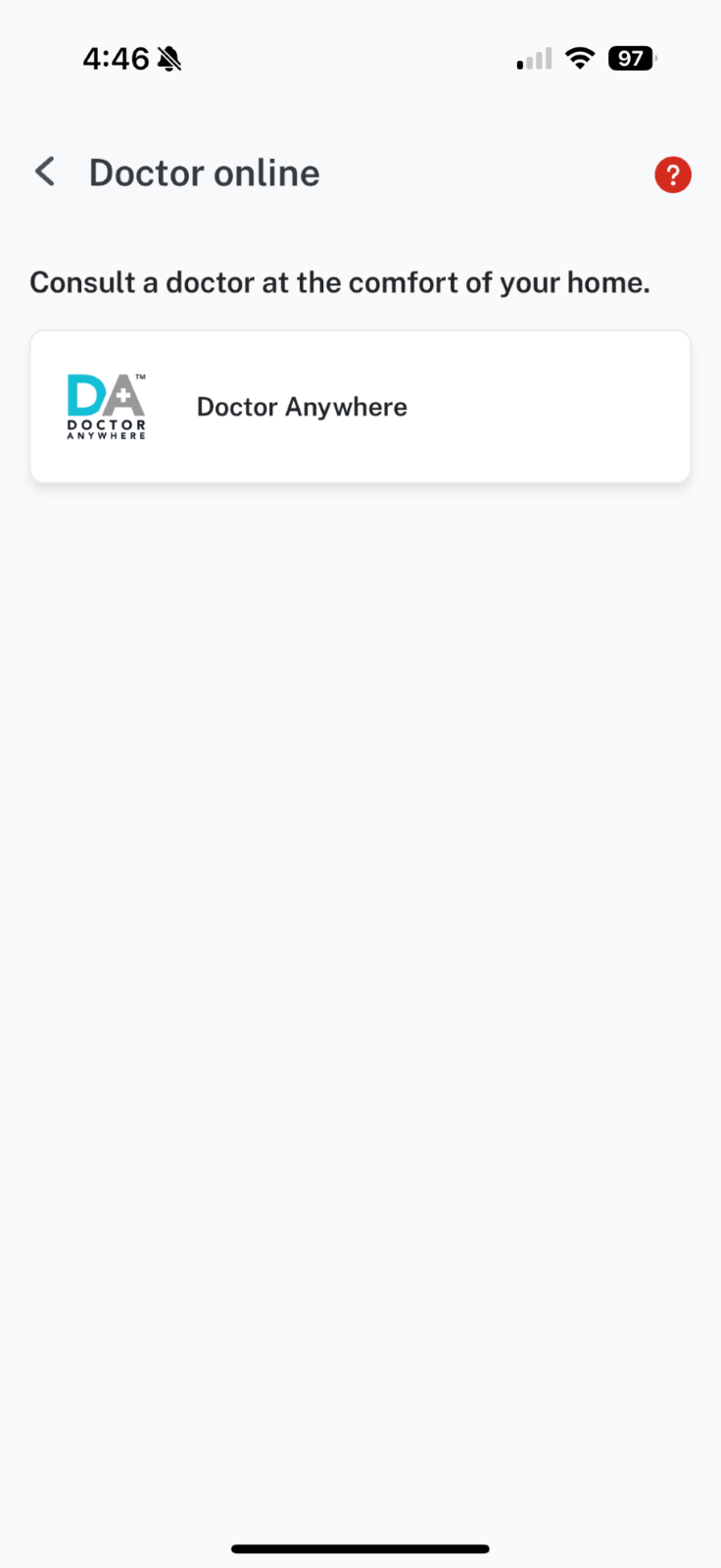
Doctor online 

Virtual consultations: Access medical advice and receive consultations online, ensuring you get the care you need without delay.

4

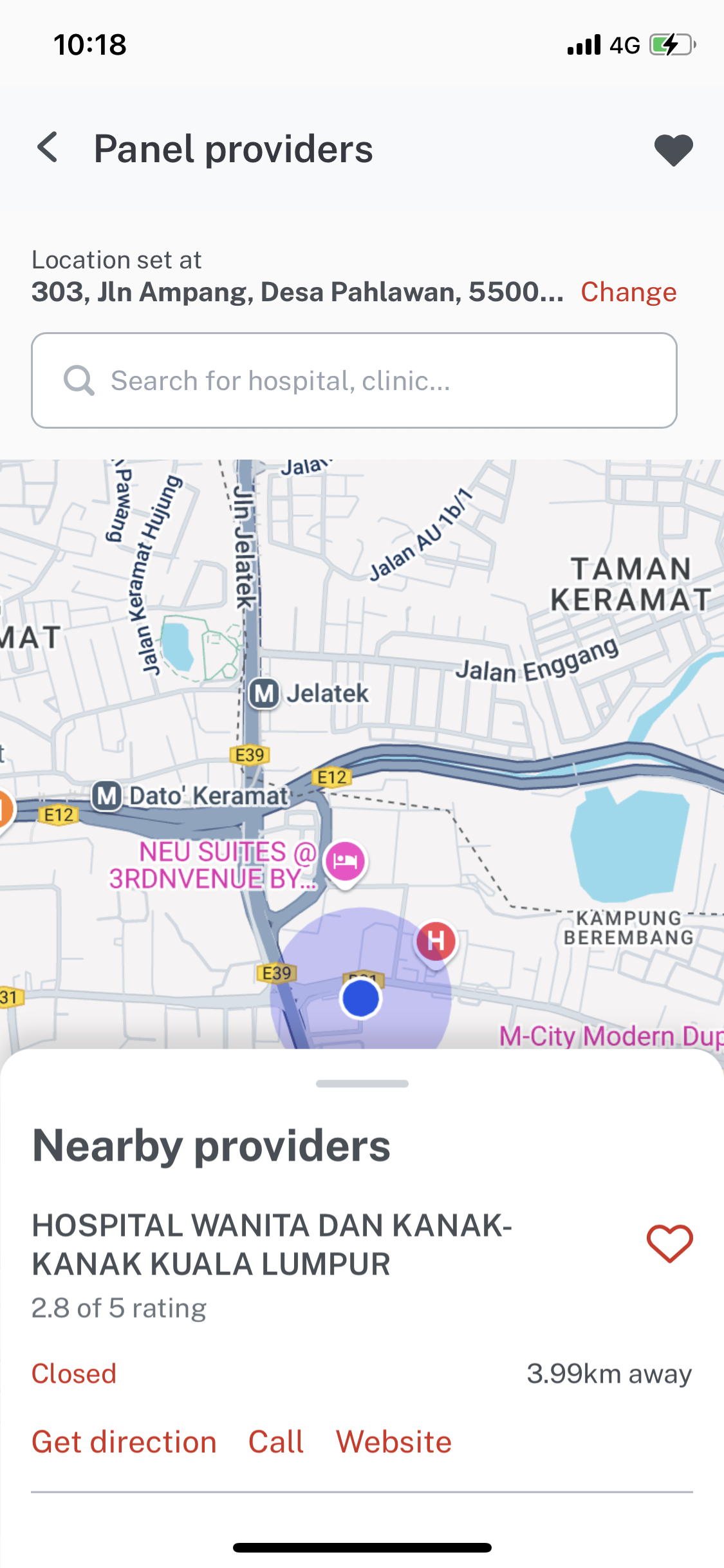
Panel clinics and hospitals 

Find medical facilities nearby: Locate the nearest panel clinics and hospitals based on your current location, ensuring you receive timely medical attention. 

Comprehensive directory: Access the extensive list of panel clinics and hospitals covered under your plan. 

5

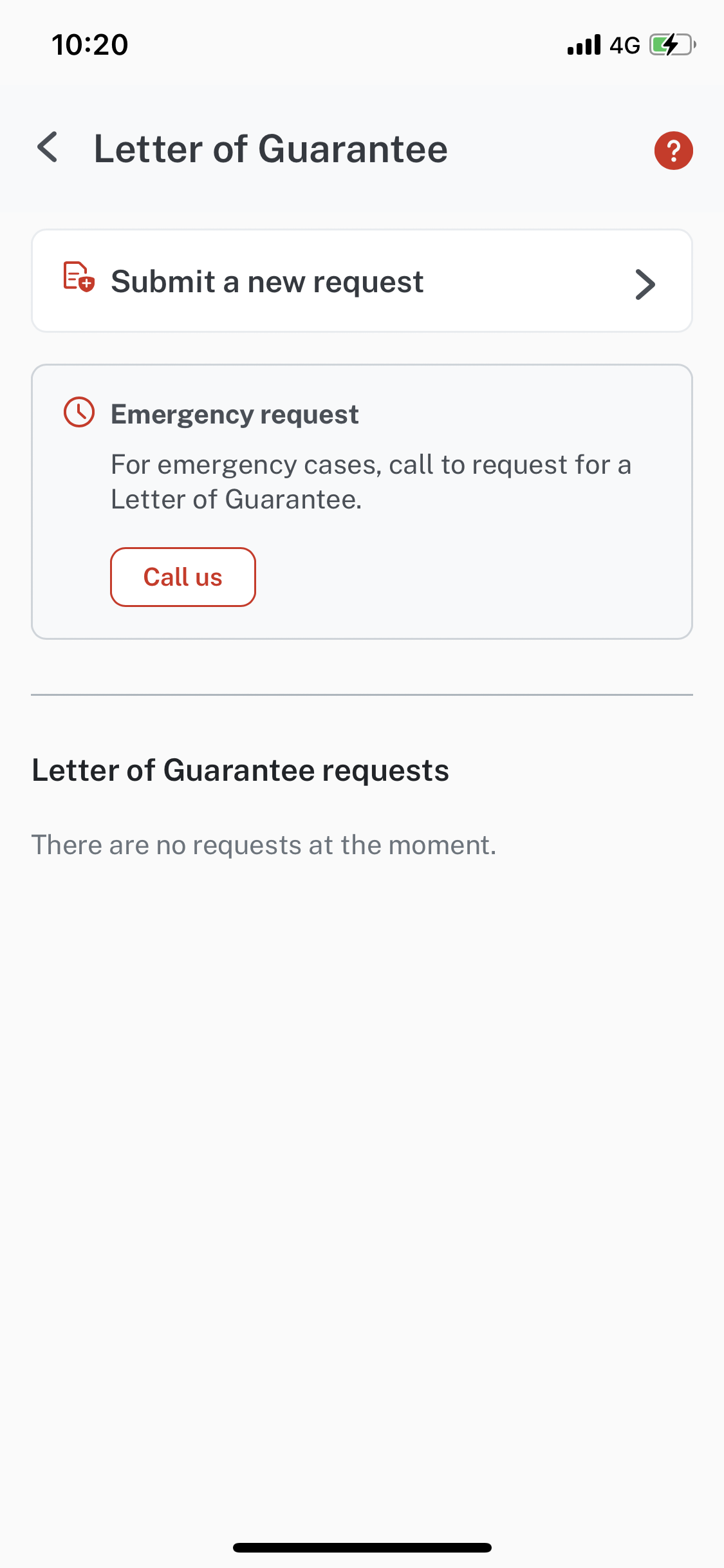
Letter of Guarantee 

Request letters of guarantee: Easily request letters of guarantee for hospital admissions or treatments. 

Track Requests: Monitor the status of your letter of guarantee requests and receive notifications once they have been processed. 

6

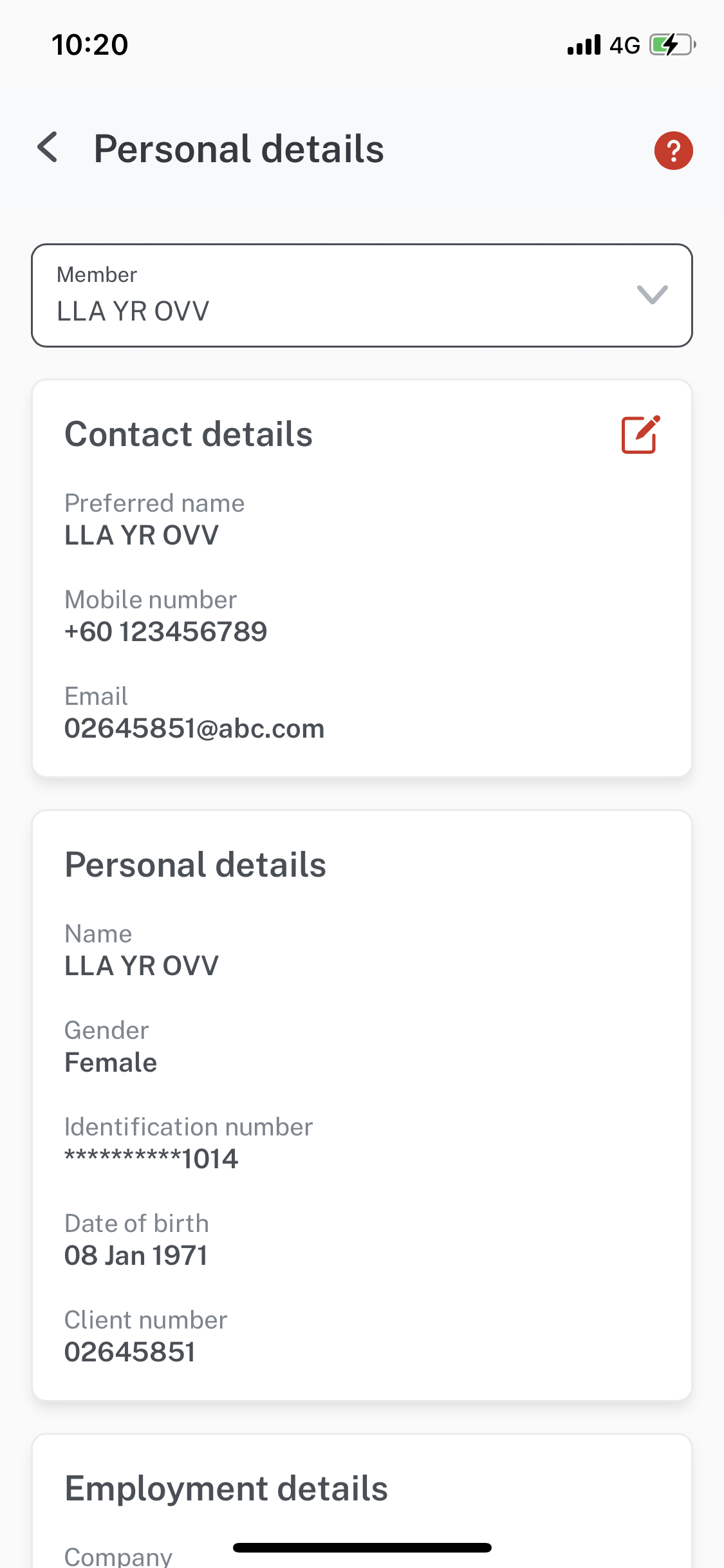
Personal details 

Update personal information: Keep your personal particulars up-to-date. 

Secure data management: Rest assured that your personal information is securely managed and protected. 

7

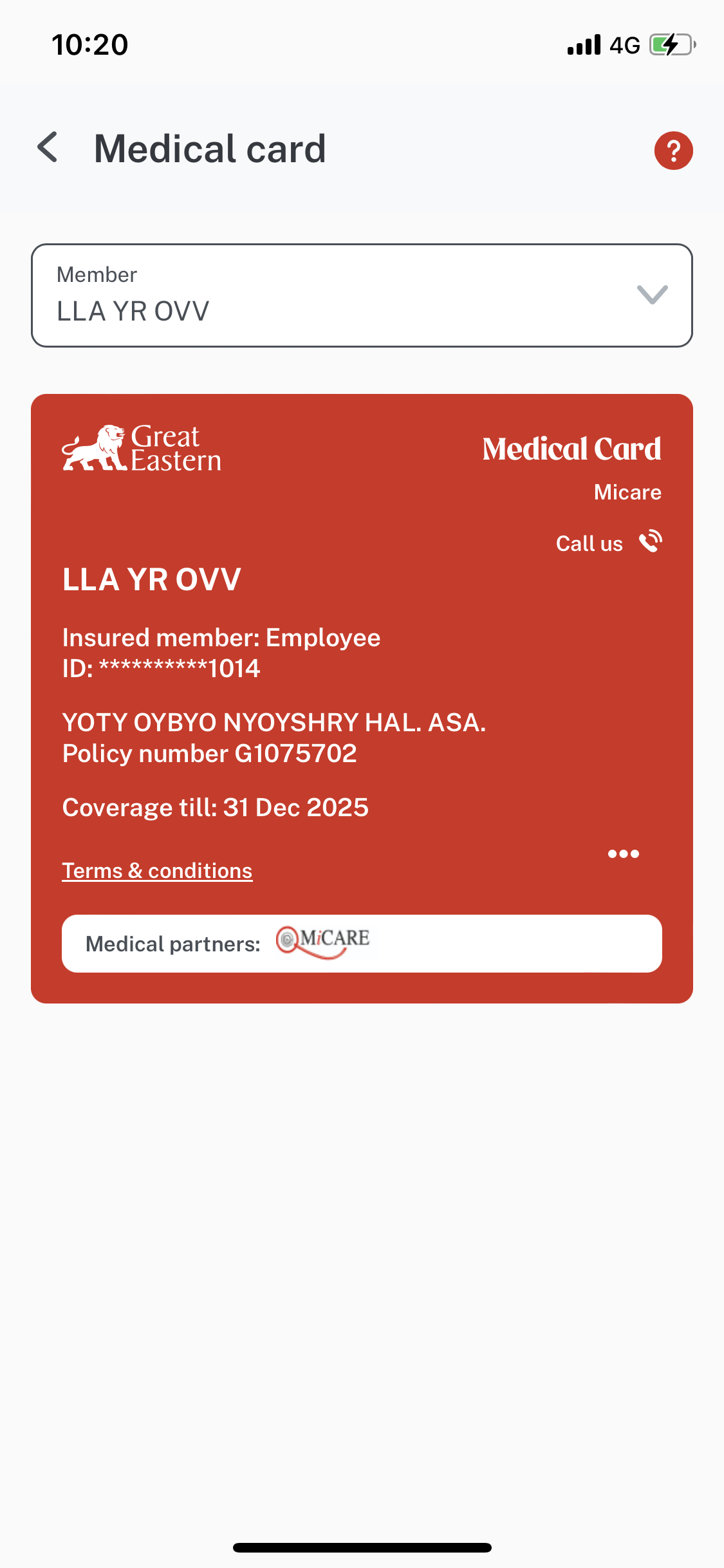
Medical Card 

Digital medical card: Present your digital medical card at the panel clinic or hospital for quick registration. 

Getting Started

The Great Eastern Corporate app is a one-stop policy servicing mobile app that allows you to easily access your Great Eastern Malaysia Employee Benefits policy information. It also provides e-services to submit claims, request letters of guarantee, locate panel clinics and hospitals, and consult doctors online.   

With the Great Eastern Corporate app, you’ll have 24/7 access to:

  • Your Great Eastern Malaysia Corporate insurance policy details, including information on any dependants covered under your plan, and 
  • Aggregated protection value of your Great Eastern Malaysia Corporate insurance policies. 

The Great Eastern Corporate app is available on both the App Store and Google Play. 

The app is available to employees covered under Great Eastern’s corporate insurance. You will need to register using your policy details to access its features. 

Yes, the app is free to all eligible employee benefit members. However, certain services such as e-consultations may have associated costs depending on your policy coverage. 

If you do not have a Great Eastern Corporate account: 

  • Download the Great Eastern Corporate app from App Store or Google Play. 
  • Tap Create an Account
  • Fill up the questionnaire.  

If you already have a Great Eastern Corporate account: 

  • Download the Great Eastern Corporate app from App Store or Google Play. 
  • Tap Sign in. 
  • Fill in your account details. 

You can try any of these solutions: 

  • Ensure you have a stable internet connection. 
  • Update your app by checking the Apple App Store or Google Play for the latest version. (The device OS needs to be minimally iOS 13 or Android 8 to work properly) 
  • Close all background apps, including the Great Eastern Corporate app. Launch the app again. 
  • Restart your phone. 

You can try any of these solutions: 

  • Close the Great Eastern Corporate app. Launch the app again. 
  • Update your app by checking the App Store or Google Play for the latest version. 
  • Restart your phone.